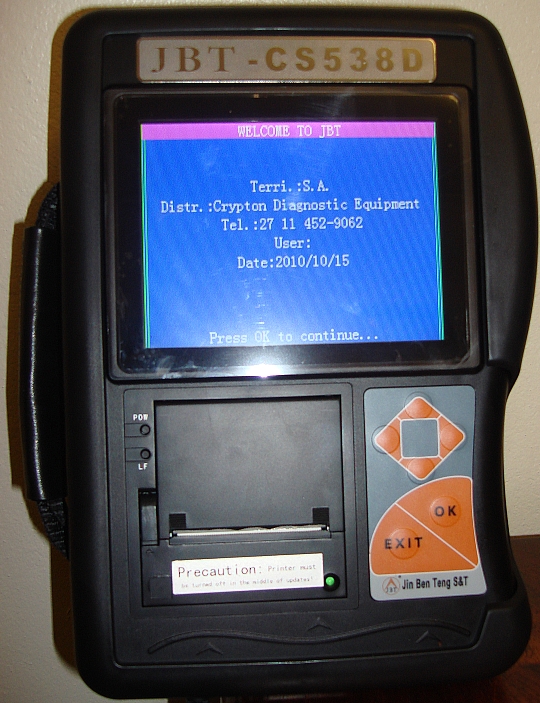
CDE CS538D - Trouble Code Reader and Data Scanner

PRODUCT DISCONTINUED! This Page is For Information Only.

Click on a picture to enlarge it.
Typical Live Data Screens
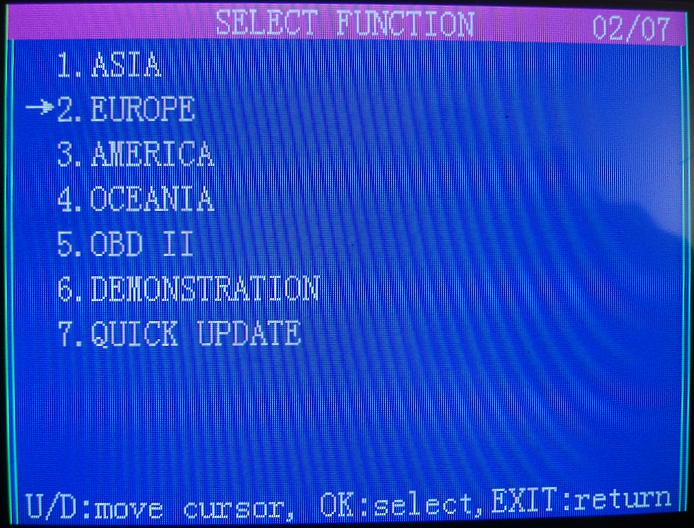
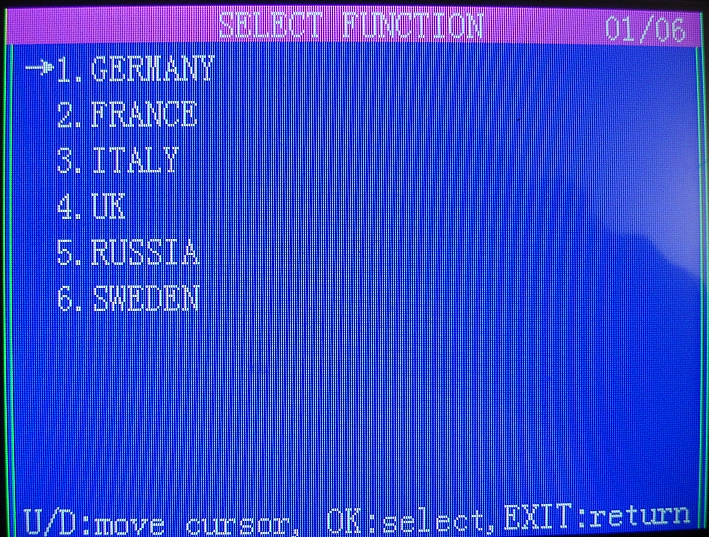
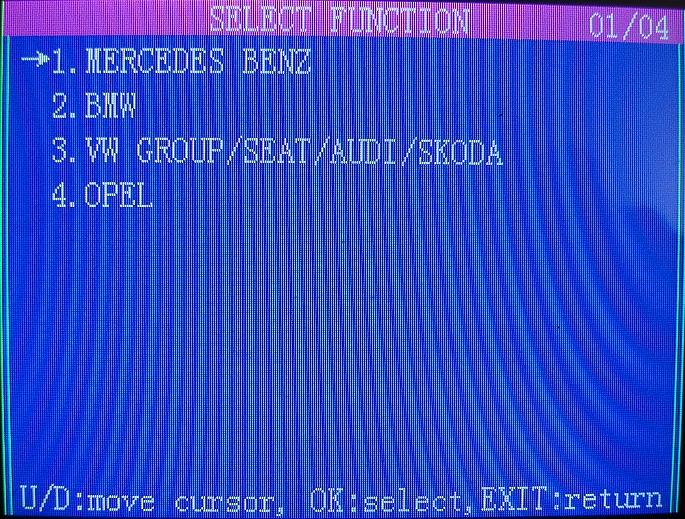

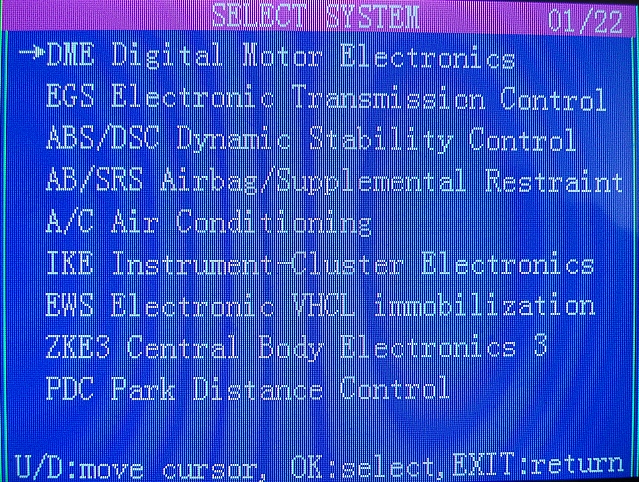
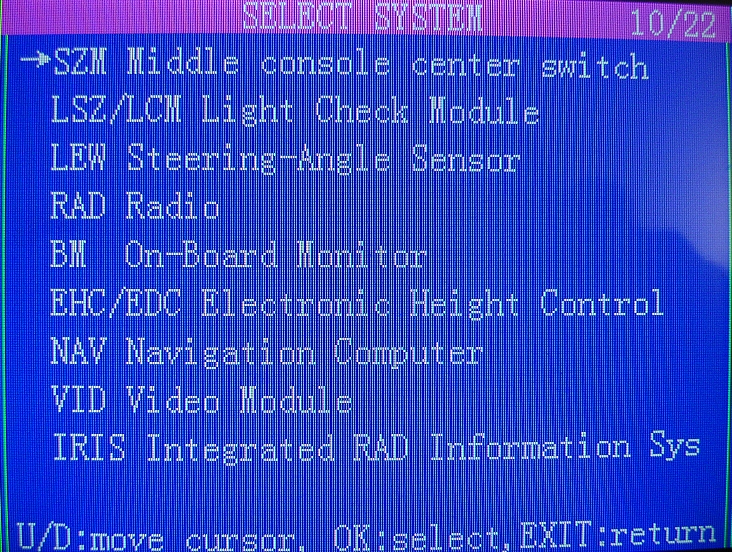
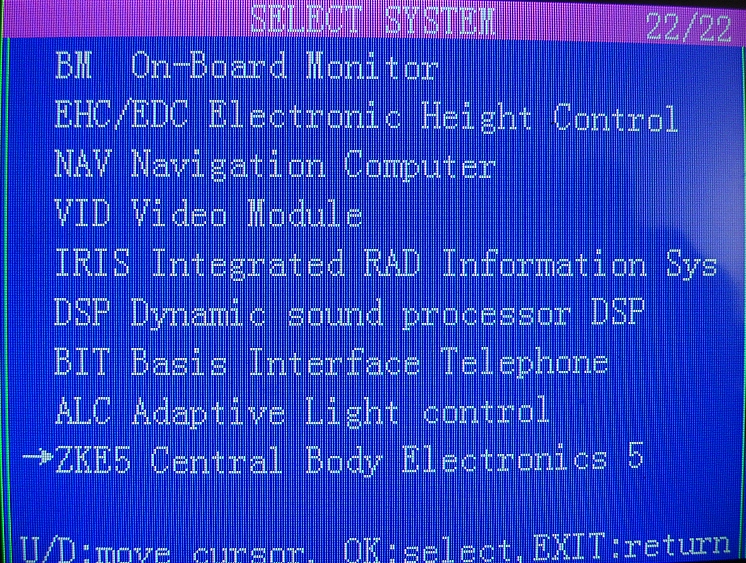
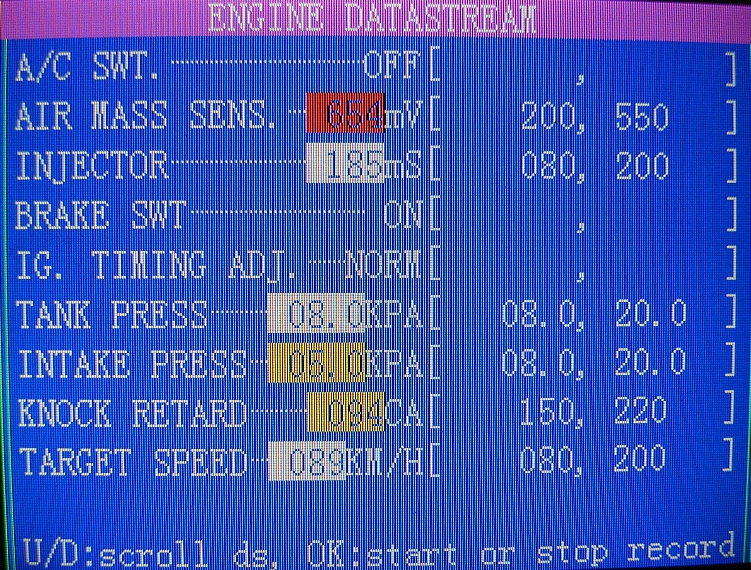
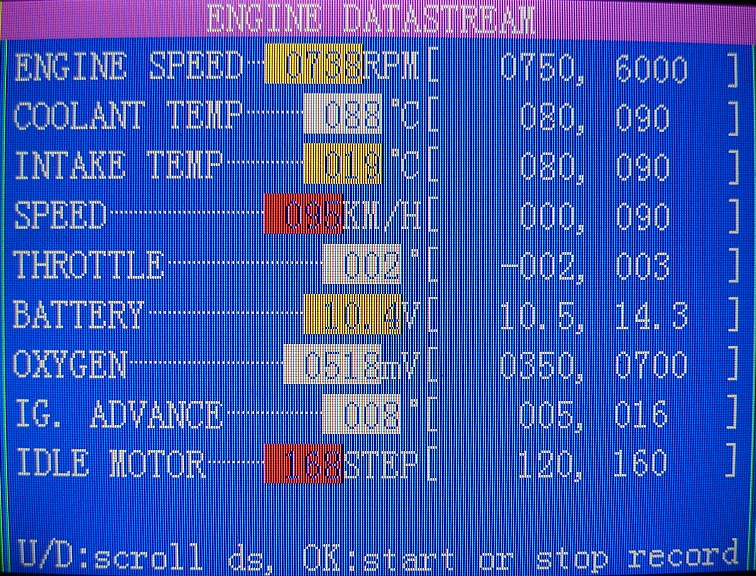
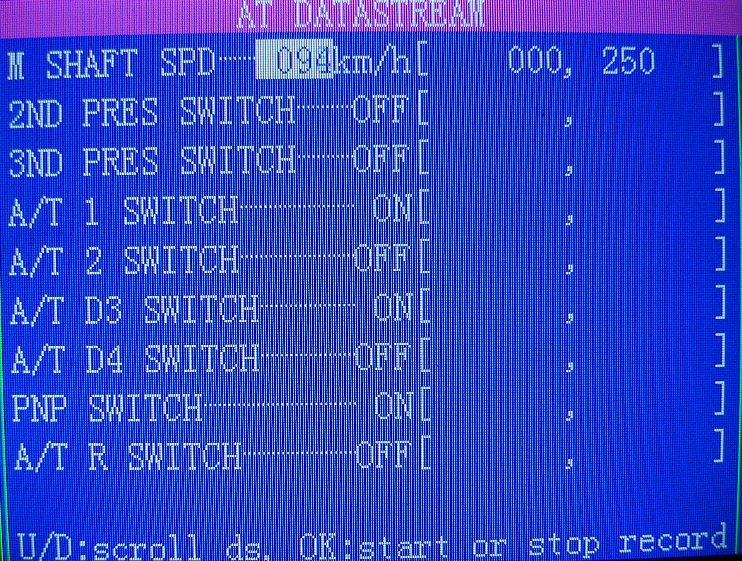
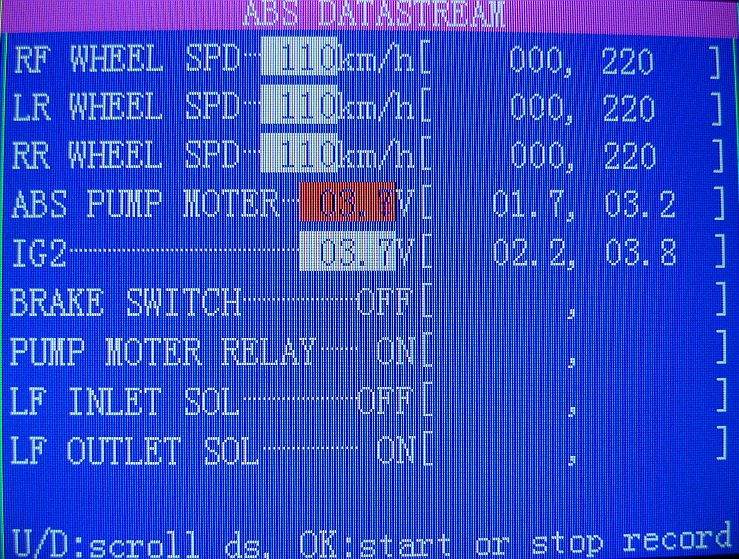
Typical Live Data Screens
Click on a picture to enlarge it.
Functions:
READ DTC (Diagnostic
Trouble Codes)
Selecting this function allows the Scan Tool to read the Diagnostic Trouble
Codes (DTC's) from the vehicle control modules. DTC's are used to help
quickly determine the cause of a problem or problems within a vehicle. These
codes cause the control module (ECU) to illuminate the Malfunction Indicator
Lamp (MIL) when a fault occurs with one of the monitored systems. MIL is also
known as 'Service Engine Soon' or 'Check Engine' or 'Visit Workshop' lamp.
ERASE DTC
The ERASE DTC function clears the DTC's and reset all the
I/M Readiness Monitor Status to a NOT-RUN flashing condition. To set all of
the Monitors to a DONE status, an OBDII Drive Cycle must be performed.
Please refer to the vehicle service manual for information on how to perform
an OBDII Drive Cycle for the vehicle under test. This usually involves
driving the vehicle under certain conditions in order for the ECU's to
'relearn' the driving cycle. Erasing the DTC's from the ECU's memory also
helps with "before and after" diagnostics.
LIVE DATA
The Live Data function allows Real Time Viewing of the vehicles computer
module PID data. As the computer monitors the vehicle, information is
simultaneously transmitted to the scan tool in real time. In this mode, one can see all
engine parameters in color as engine temperature, advance, engine speed,
throttle position etc. etc. This unit also allows you to Save the live data
readings for later comparison with a similar vehicle! The color coding
changes as the monitored values go higher or lower from a predetermined
range. This helps greatly with finding intermittent or latent problems.
FREEZE FRAME
When an emission-related fault has occurred, certain vehicle data is
recorded by the on-board computer. This information is referred to as Freeze
Frame data. FREEZE FRAME is a snapshot of the operating conditions of the
engine and the relevant sensor values at the time when the fault had occurred.
This way you can see what the operating state of the system (say engine) was
when the fault occurred. i.e. engine temp, timing, vehicle speed, RPM,
throttle position, etc. etc.
MIL STATUS
When the vehicle on board computers detects a problem in their related
systems or components, their self-diagnostic program will assign a fault code (DTC)
and store it in its memory. They also record a Freeze Frame of the
conditions present when the fault was found and set the Malfunction
Indicator Lamp (MIL) alight. Some faults require detection for two trips in
a row before the MIL is turned on. This mode is used to check the status of
the MIL light, whether it had been set on or off in case the MIL on the
dashboard had malfunctioned or tampered with.
I/M READINESS
The I/M Readiness (Inspection / Maintenance Readiness) function is used to
view a snapshot of the operations on the emission system monitors in OBD II
equipped vehicles. The vehicle ECU constantly monitors it's dependant
systems and if one of them can not complete a full check it might set a DTC.
i.e. the engine temperature should complete a full circle from cold to hot
in order for the relevant I/M to be considered as 'complete'.
LIVE ACTUATIONS (where available
or permitted by the ECUs)
Some ECU's permit you to actuate (switch
On/Off etc. etc.) some of their operating circuits in order to diagnose
functionality of the relevant actuators. i.e relays, fans, door locks,
lights, injectors, A/C clutch etc. etc.
VEHICLE
INFORMATION (where available or permitted by the ECUs)
This function allows the Scan Tool to request the vehicle information (VIN),
calibration ID(s) which identifies software version in vehicle control
module(s), and calibration verification numbers (CVN(s), Ignition Key's, etc. etc.
ECU VALUES ADAPTATION /
RESET, KEY and Parts CODING (where available or permitted
by the ECUs and/or vehicle manufacturer)
Increasingly, some vehicle spare parts come with
'coded' numbers that have to entered in to the ECU in order to recognize
and/or accept the new (or second hand) part. ECU's, Injectors, spare keys,
radios and even starters are now coming out 'coded'. This function is
indispensable if you need to change those vehicle parts.
Key
Features:
- Supports all diagnostic protocols including the latest CAN+, VAN
- Support most car makes today including new Chinese and
Malaysian made vehicles
- Large Color Display with Live + Pass/Fail Sensor Values. Fully customizable view.
- Can Store up to 4 individual (for a vehicle model) Good Known Live Values. Plus, it has one manufacturer entry already for reference. Pass or Fail values are displayed in different colors which makes pinpointing a troublesome sensor/actuator very easy to pick up. You can store good Live Data Values from the car's Sensors/Actuators in to the unit for later reference against the cars you will be fixing!
- This set comes with ALL available plug-adaptors for diagnosing older vehicle makes!!! About 30 of them are stacked in the briefcase. see picture above.
- The CS538D Data Scanner has incorporated Printer for DTC printing.
- Live HELP for DTC's and general unit usage. Almost all DTC's have Help screen access with DTC explanation, troubleshooting and possible remedies. Why, where and how-to guidance is always at hand!
- PC connection via USB/COM for updating the unit. Updates are available via Internet or you can contact us for the latest one.
- VGA connector for plugging to a large LCD screen.
- NON-Lockable, NON-Expiring software with FREE UPDATES
coming almost every month.
Code Reader Vehicle
Coverage* - 52 manufacturers and growing
Region: Country (Vehicle Manufacturers)
EUROPE: Germany(7),
France(3), Italy(1), UK(1), Sweden(2), Russia(1)
ASIA:
Japan(9), Korea(4), Malaysia(2), China(17), India(2)
AMERICA: USA(3)
OCEANIA: Australia(2)
Standard OBDII / EOBD coverage is included
Download the Vehicle Application
List here.
*Note: With new updates available every
month, please check with us for the latest vehicle coverage.
========= SELF HELP SECTION =========
How to choose vehicle plug-adapters. Although, the unit will guide you through choosing the correct plug adapter, here is a short list for quick reference.
Abbreviations: There are a lot of abbreviations used in today's vehicle
industry. The following two files may help you figure out what they all
mean. ( i.e. IATS = Inlet Air Temperature Sensor )
JBT Abbreviations
(download pdf file)
General Abbreviations (download pdf file)
How to
Update the Data Scanner - Help. < READ THIS
Updating the Software involves:
1 - Download the update file from the Internet (see above link for instructions),
2 - Log-In and obtain your Update-Password-Code from JBT's web site
3 - Updating
the Unit connected to your PC.
Please follow the instructions in the
above link to-the-letter. If you run in to problems -
contact us.
For your convenience, 3 times per year we will post the relevant new updates here.
Reason: Sometimes JBT's website is too busy which slows it down
dramatically. This should help you get the update files faster if you lack the patience.
(Note: you will still need to log on to JBT's web site
http://en.jinbenteng.com and get your
password-code in order to complete any updates)
Download Software Update -
05-2014
Download Software Update -
07-2013
Download Software Update - 12-2012
Download
Software Update - 07-2012
Download Software Update - 04-2012
Note: You will need 7-Zip Archiver to unzip this files.
Automotive Equipment - in tune with the Future

Crypton Diagnostic Equipment Home